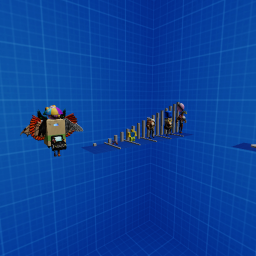
Giant Anatomy
A Roblox experience owned by Giants..
OtherENavatar customizationmeasurement toolsutility
Description (written by the developer; not a statement by this register)
There are many tools you can use to measure and test your avatar's height, width, depth, and weight. New update: adjustable height meter: A height meter that can be decreased or increased by 1 stud in height via 2 buttons. Press the "+" to increase by 1 stud, and "-" to decrease by 1 stud. adjustable width/depth meter: Similar to the height meter, but increases the the X axis. Next update (potentially): Weight meter: displays your avatar density in real world weight measurements and in Roblox measurements. (KG & LBS). An avatar editor with more features, possibly including changing body parts and saving outfits. (unlikely) General avatar chart measurements: Measures the height, width, weight, and depth of your avatar and displays it as a chart GUI above your character (includes your accessories).
Last updated by the developer 4 Sept 2023, 02:52 UTC.
Live players over time
Growth
Growth history is still building. We hold one measurement for this entry. A trend needs at least two, taken days apart — so this will fill in on its own rather than being estimated. We do not publish numbers we have not measured.
| Measured (UTC) | Players | Change |
|---|---|---|
| 10 Aug 2026, 19:37 | 0 | first reading |
Concurrent players at each of our measurements (insert-on-change).