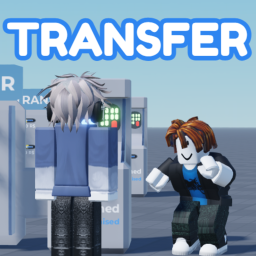
Transfer
A Roblox experience owned by LoLTool!.
Social & hangoutENdonationhangoutsocial
Description (written by the developer; not a statement by this register)
All copyrights belong to PLS DONATE Hangout to give and receive donations of any kind! Claim rewards (Robux) for completing respective activities. How can I create a game pass or something to sell? 1. Open the Roblox home page and go to the "Create" page at the top. 2. If you want to create a pass: Open a tab for a game you created (any PUBLIC game) and look for the "Passes" section. Create the pass of your choice and make that pass available for sale! If you want to create a shirt/tee: In the "Creations" section, look for "Avatar Items," then go to the "Classics" section and in "T-Shirts," upload the image you want for that tee. Click on your creation and put it up for sale at any price you want! 3. Copy the ID (a set of numbers that define your creation) from your creations and paste them into the EDT spot of your choice! TRANSFER
Last updated by the developer 22 Sept 2025, 14:56 UTC.
Live players over time
Growth
Growth history is still building. We hold one measurement for this entry. A trend needs at least two, taken days apart — so this will fill in on its own rather than being estimated. We do not publish numbers we have not measured.
| Measured (UTC) | Players | Change |
|---|---|---|
| 18 Aug 2026, 12:00 | 0 | first reading |
Concurrent players at each of our measurements (insert-on-change).