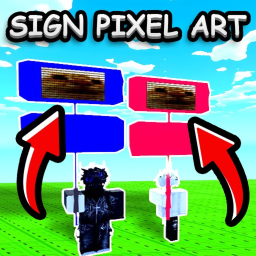
Sign Pixel Art
A Roblox experience owned by Reqiunt.
OtherENPLS DONATEPixel ArtTool
Description (written by the developer; not a statement by this register)
Simple game for PLS DONATE players who want to turn decals into sign pixel art. How to use: 1. Press Browse on the left. 2. Choose the image you want. 3. Adjust the width and height if needed. 4. Press Apply and check the result on your sign. 5. If you like it, press Copy. 6. Highlight the generated text, copy it, and save it somewhere if needed. 7. In PLS DONATE, edit your sign and paste the text. That’s it. A special thanks to PurpleDuck for showing this and how to do it.
Last updated by the developer 30 Mar 2026, 15:41 UTC.
Live players over time
Growth
Growth history is still building. We hold one measurement for this entry. A trend needs at least two, taken days apart — so this will fill in on its own rather than being estimated. We do not publish numbers we have not measured.
| Measured (UTC) | Players | Change |
|---|---|---|
| 15 Aug 2026, 05:36 | 0 | first reading |
Concurrent players at each of our measurements (insert-on-change).